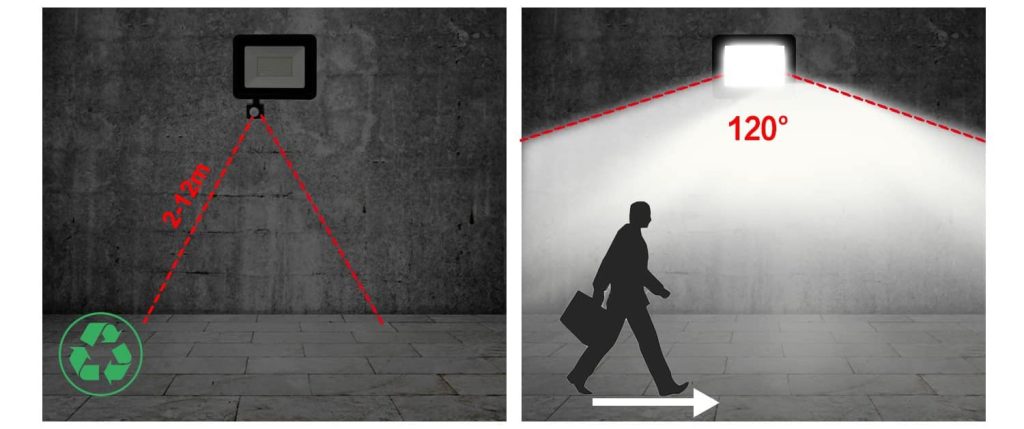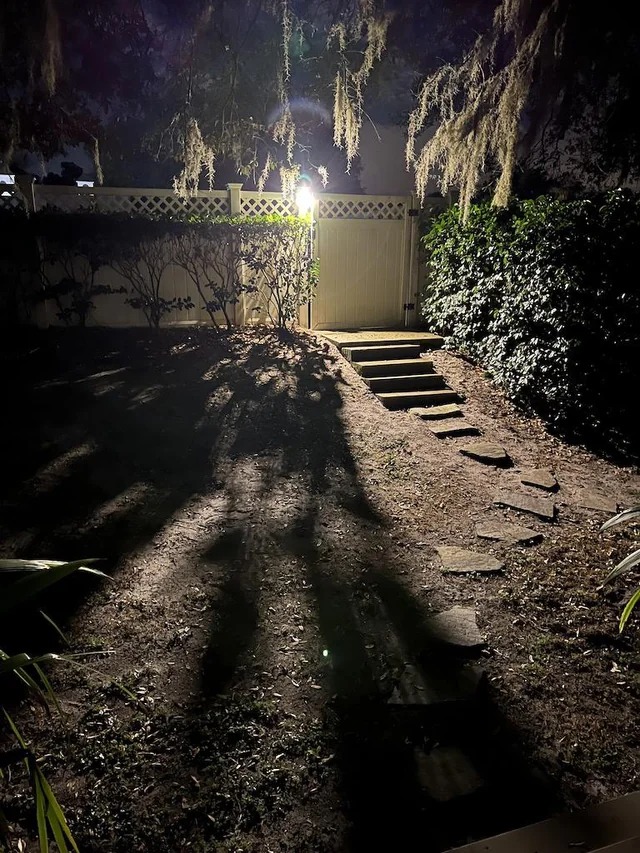
STEPS TO SET UP YOUR LED SENSOR FLOODLIGHT Leave a comment
HOW TO SET YOUR LED SENSOR FLOODLIGHT
Most led Motion sensors floodlight will either have LUX , TIME and SENSITIVITY some only have LUX and TIME.
- LUX: Lux is what controls the day and night setting it will have a picture of a sun and a moon, moving it more towards the sun will have it come on when it is lighter or moving it towards the moon will have it activate only when it is dark. This is useful if there are street light near by because it might not get dark enough for it to activate.
- TIME: Time controls how long you want it to activate for there will be a plus and a minus sign moving it to the + will give you more time and the – will give you less.
- SENSITIVITY: Sensitivity can be identified by SEN in the sensor and will adjust the distance and how big the object will need to be to activate it this is also controlled by a adjusting to the plus and minus sign.
STEP 1
Move the LUX stetting to day mode being the sun picture and put the time on the minimum setting.
STEP 2
Switch the light switch on that controls the sensor.
STEP 3
Move the sensor to the direction you what it to scan.
STEP 4
Walk test. Walk past the sensor to test the different areas you want it to activate.
STEP 5
Adjusting if needed some sensors can move up and down a side to side to help get the best angle.
STEP 6
Adjusting the LUX to get this exactly right it will need to be done at the time of day you want it to activate. Adjust the lux setting all the way to the moon and let it time out. Once it starts to get dark at the time you want it on slowly adjust the LUX setting to the picture of the sun it will activate once it reaches the ambient light.
STEP 7
Adjust the time setting to the desired time you want it to activate by moving the TIME to the plus or minus.